RV Tech · The Dash
The battery numbers, on the radio
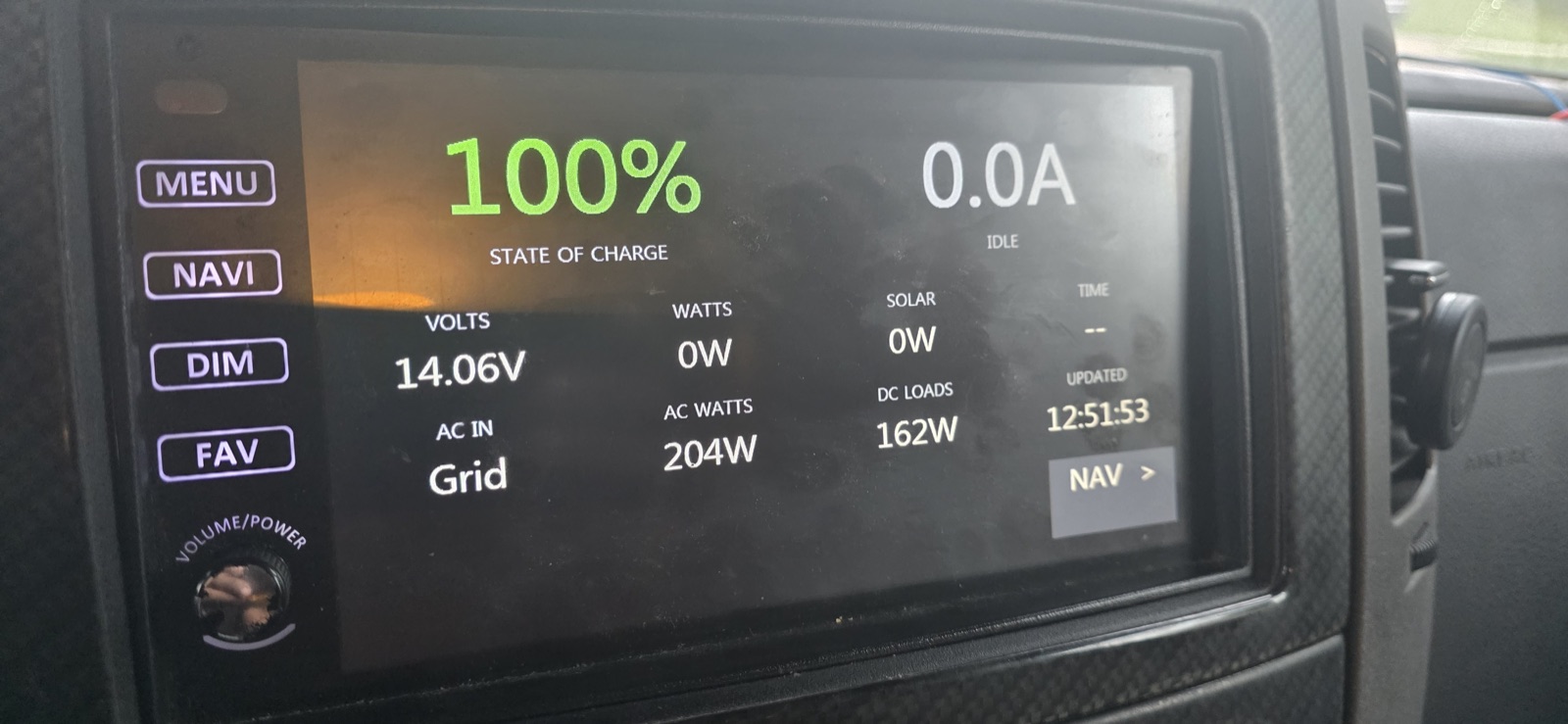
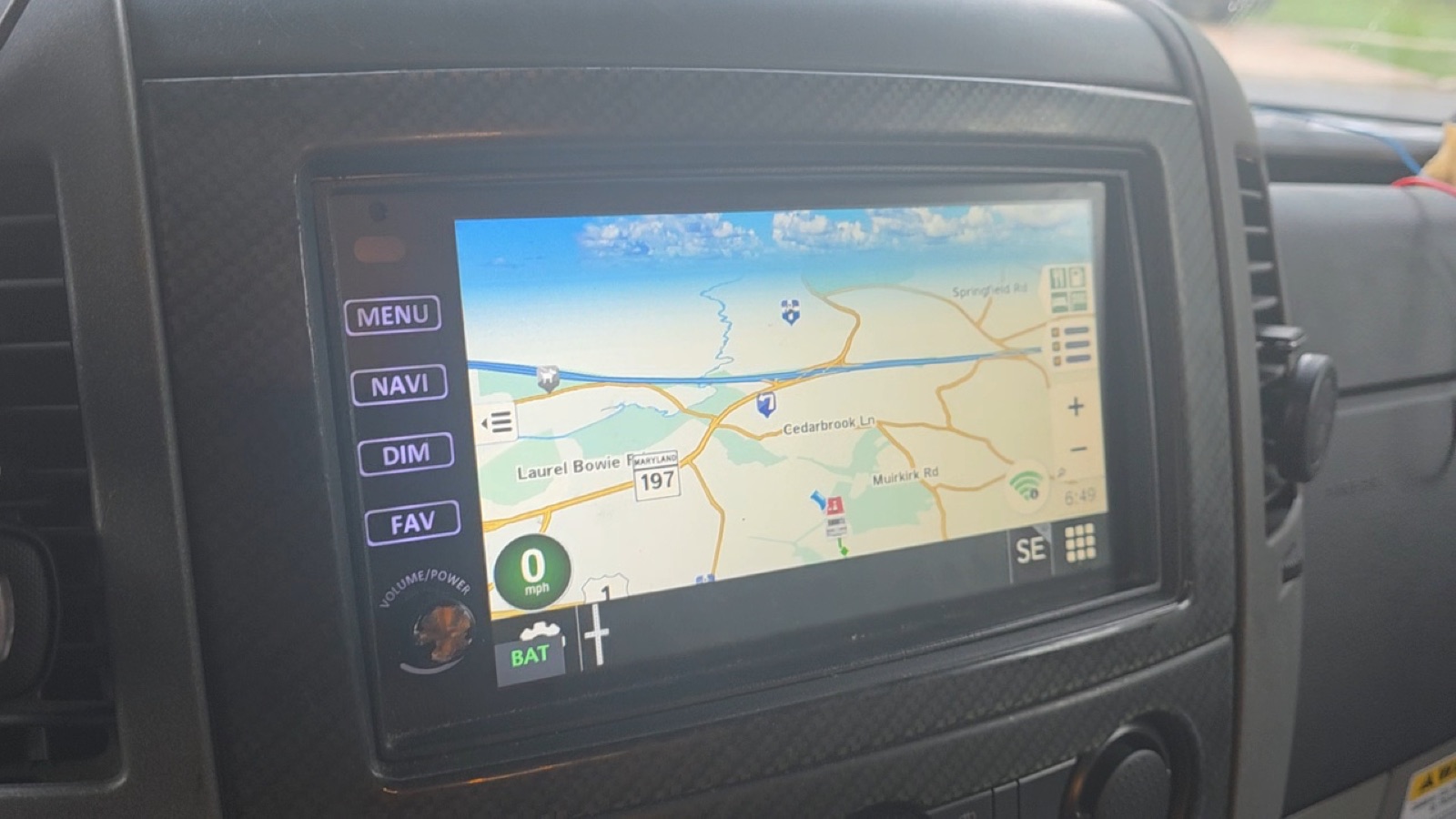
The Victron numbers on the Xite head unit, with a BAT button to flip between them and the navigation. Nothing in the radio's firmware touched.
What it is
The radio in the dash of the View is a Xite head unit — the screen that does the radio, the backup camera and the Rand McNally navigation. It now also shows the battery. State of charge, amps going in or out, volts, solar, shore power, what the coach is drawing, time to full or time left, and one line at the bottom that stays blank unless something is wrong.
The numbers come from the Cerbo over the coach's own WiFi, every ten seconds. No phone, no app, no internet needed. If the coach is powered up, the dash knows how the battery is doing.
Why a small thing took a long weekend
Under the hood the radio runs Windows CE, an embedded version of Windows from another era. That turned out to be good news: it can run a small program, and the program can be written on a Mac. The hard part was not writing it. It was finding the one place in the radio where it could live.
Two things decide that. Only programs the radio starts as part of navigation are allowed to use the WiFi — the same program started anywhere else simply cannot reach the Cerbo. And the radio starts navigation exactly once, when it powers up, and never again. So the battery screen took navigation's place on the SD card: the radio starts it, it starts the real navigation, and it keeps that little BAT button floating on top as the way back and forth.
Nothing inside the radio itself was changed. The whole thing lives on the navigation card, and undoing it is renaming one file.
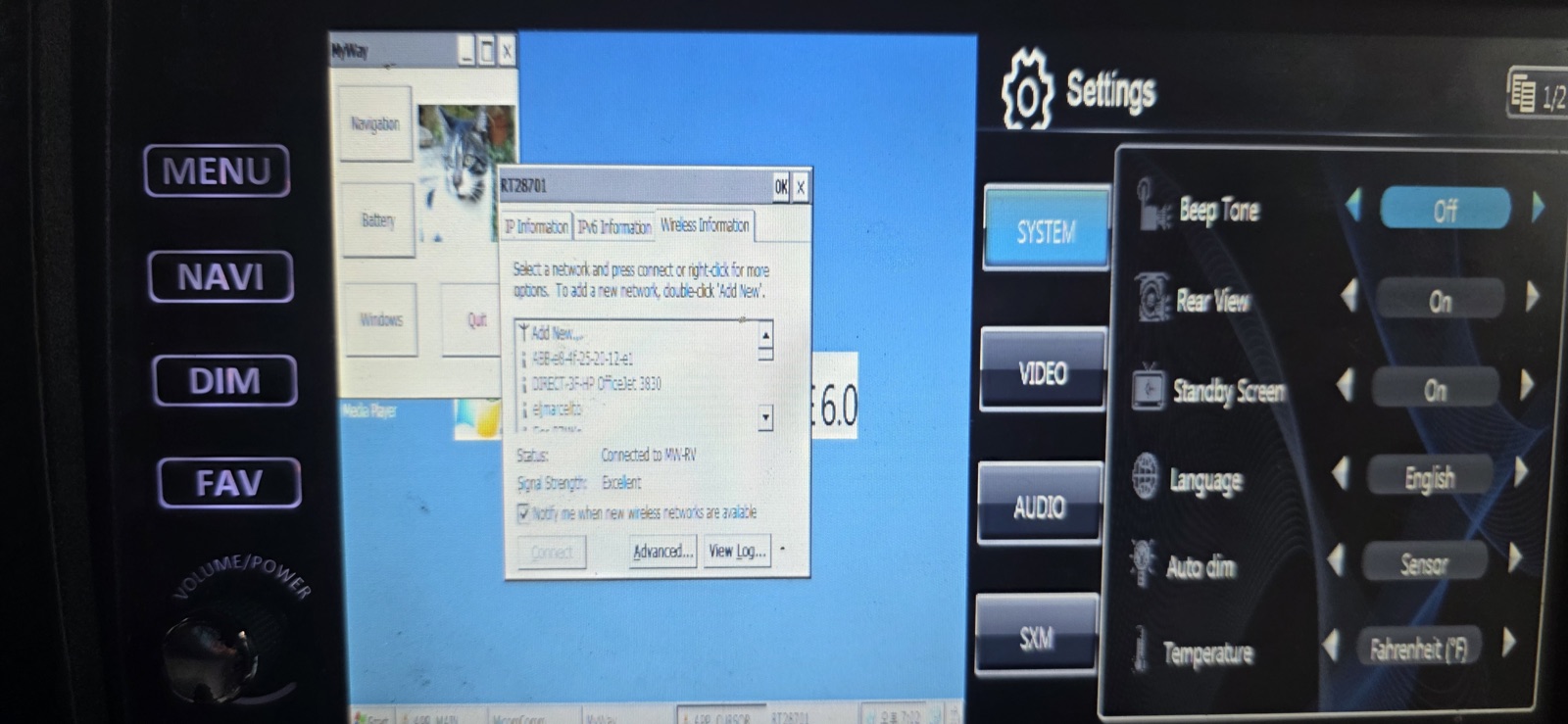
Three things learned the expensive way, for anyone with the same head unit. Do not replace the file called XScan — it is the radio's link to the coach's CAN bus and both the tire-pressure and the Mobileye displays go with it. Every button on the main menu except the cameras switches the audio to itself, so none of them can host something quiet. And the navigation card cannot be edited from the radio at all; pull it and use a card reader.